What Is Cloud CRM?
Cloud CRM is customer relationship management software hosted online and accessed through the internet rather than installed on a company’s physical servers. Delivered using the Software-as-a-Service (SaaS) model, Cloud CRM eliminates the need for hardware setup, manual updates, and complex IT maintenance.
Because the system runs entirely in the cloud, all customer data, workflows, and interactions remain synchronized in real time—allowing teams to work from any location and any device.
How Cloud CRM Differs from Traditional Systems
Traditional on-premise CRM requires significant resources:
- Physical servers
- IT staff for updates and maintenance
- Large upfront investment
- Office-only accessibility
Cloud CRM eliminates the heavy burden of managing hardware and infrastructure. Instead of maintaining servers or troubleshooting system issues, the provider takes care of hosting, security, backups, uptime, and all system upgrades in the background.
Unlike on-premise CRM—which runs on a company’s own servers—Cloud CRM is fully hosted by the vendor. Updates are automatic rather than manual, access is available from anywhere instead of being limited to the office, and costs stay low because there’s no need for expensive hardware. Security is also managed by the provider, whereas on-premise CRM requires in-house security resources and expertise.
Cloud CRM ensures your system is always current, secure, and available, without operational strain on internal teams.
How Cloud CRM Centralizes Your Operations
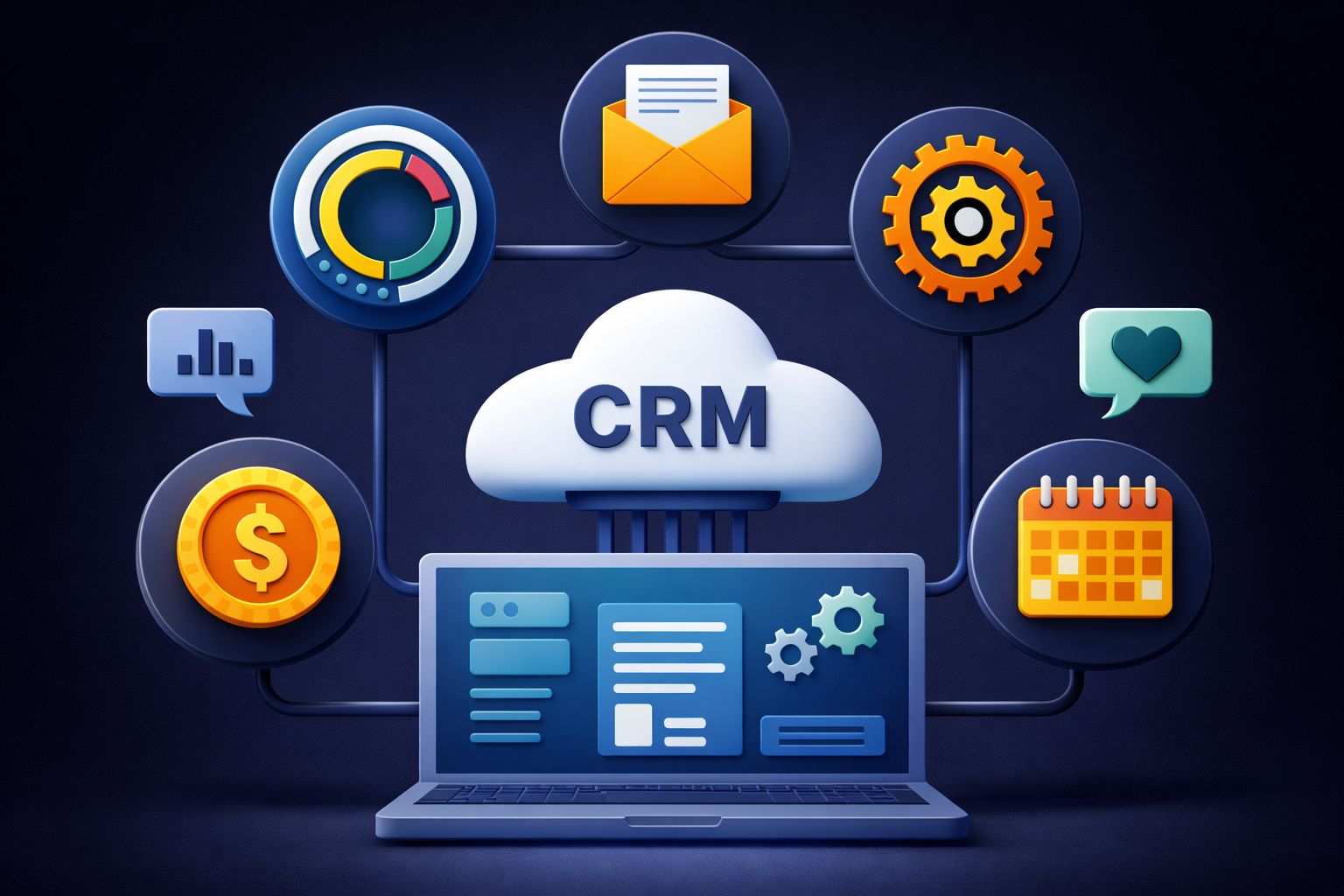
Cloud CRM acts as a unified hub for sales, marketing, service, and leadership. Instead of scattered spreadsheets or disconnected tools, everyone works from the same real-time customer profile.
Examples of centralized workflows:
- Sales track leads, pipelines, and opportunities
- Marketing segments audiences and runs campaigns
- Support manages tickets with full historical context
- Managers review dashboards and KPIs instantly
This eliminates communication silos and helps every team deliver consistent, informed customer experiences.
Why Your Business Needs Cloud CRM
1. Lower Costs & Zero Maintenance
Cloud CRM removes the need for physical servers, hardware, and on-site maintenance.Businesses simply pay a subscription fee, making it affordable and predictable for companies of all sizes.
2. Automatic Updates — Always the Latest Version
All upgrades, security patches, and improvements are handled by the vendor.No downtime. No manual installation. No IT burden.
3. Work From Anywhere
Cloud CRM supports remote, hybrid, and field teams.Users can access customer data, update pipelines, and review dashboards from any device, ensuring faster responses and real-time accuracy.
4. Scales Instantly as You Grow
Add users, expand to new markets, or increase capacity without hardware or long deployment times.Cloud CRM grows with your business effortlessly.
5. Strong Security & Compliance
Cloud CRM providers deliver enterprise-grade security:
- Encryption
- Automated backups
- Access controls
- MFA
- Compliance certifications
Security becomes an integrated service, not an internal challenge.
6. A Unified 360° Customer View
All sales, marketing, and service interactions appear in one shared record, improving decision-making, personalisation, and customer retention.
Key Features You Get with Cloud CRM
1. Centralized Customer Data
A single system stores all contacts, interaction history, purchase details, and support records.Teams work with consistent, up-to-date information.
2. Lead & Pipeline Management
Cloud CRM structures the entire sales cycle:
- Lead capture
- Qualification
- Deal tracking
- Forecasting
- Automated reminders
Nothing slips through the cracks.
3. Marketing Automation
Teams can launch and monitor campaigns directly in CRM:
- Segmentation
- Email campaigns
- Automated nurturing
- Trigger-based workflows
Sales and marketing stay aligned around shared data.
4. Customer Service Tools
Support teams can view complete histories and resolve issues faster with:
- Ticketing
- SLA workflows
- Assignment rules
- Knowledge-based access
This leads to quicker and more personalised support.
5. Real-Time Reporting & Dashboards
Live analytics help teams track performance, forecast revenue, and understand customer behaviour — without manual reporting.
6. Process Automation
Cloud CRM reduces repetitive work by automating:
- Lead assignment
- Task reminders
- Stage-based actions
- Approvals
Productivity rises and processes stay consistent.
In Summary
Cloud CRM has become a foundational technology for modern organizations because it centralizes customer data, automates key workflows, and enables teams to work from anywhere with real-time accuracy. Unlike traditional on-premise systems, Cloud CRM removes the burden of hardware, maintenance, and manual updates—while providing stronger security, effortless scalability, and lower upfront costs.
With unified customer records, built-in collaboration tools, robust analytics, and automation across sales, marketing, and service, Cloud CRM helps businesses operate more efficiently and deliver better customer experiences. For companies aiming to modernize operations and support long-term growth, adopting a Cloud CRM is no longer optional—it’s a strategic advantage.